Real distances, from sight lines.
Aim at one point from different phone positions — each sighting is a 3D ray. With at least two rays, least squares recovers the point's true coordinates. No markers, no LiDAR, no tape measure.
Free to download. Works on ARCore-compatible Android phones.
How it works
Three sightings beat one guess
A single photo can't tell you how far away something is — depth is lost. Each place you stand adds a line of sight; where the lines cross in space is where the point lives. The more angles you bring, the sharper the answer.
-
Hold the reticle on the target and shoot
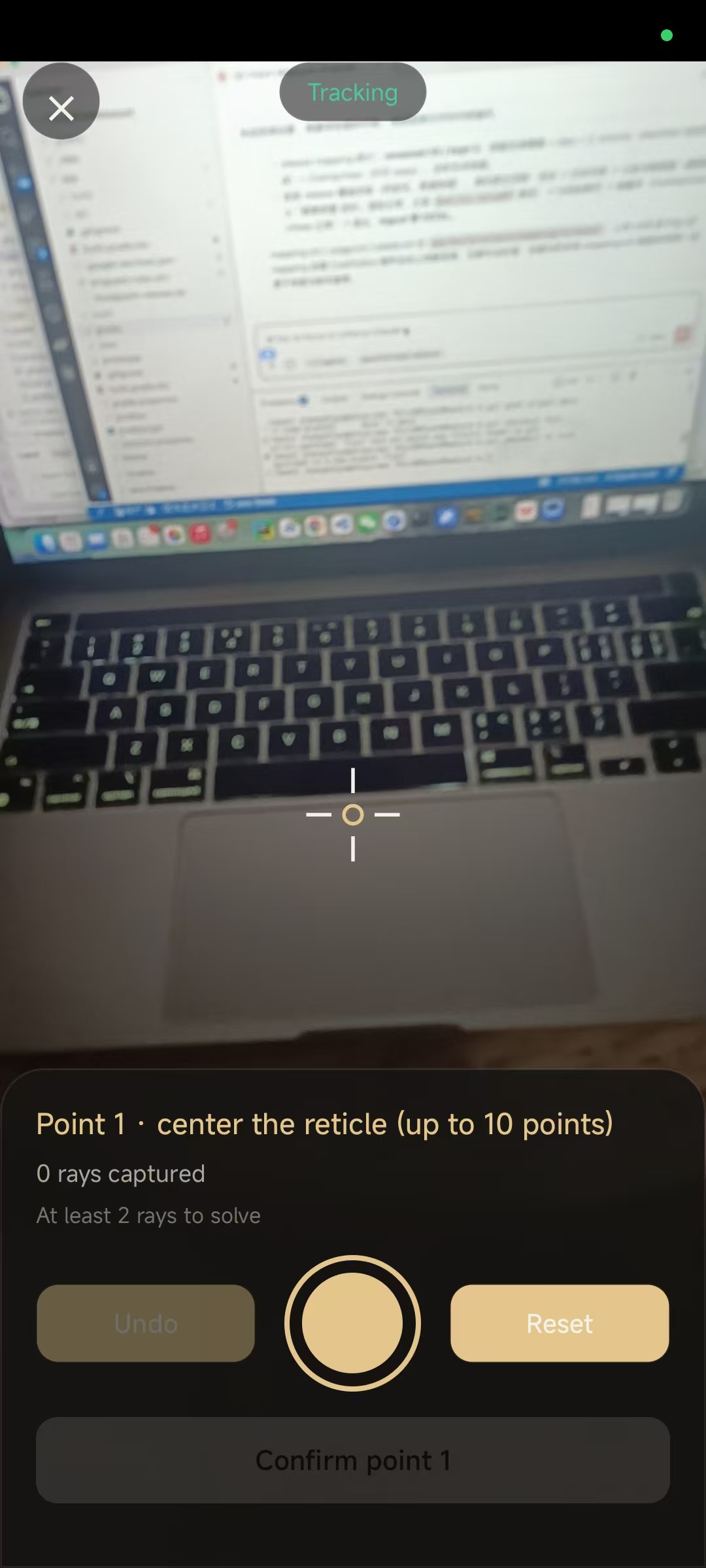
Walk around the point and tap the shutter from a few different positions — every capture adds one 3D ray. The panel counts rays per point live, and tells you when there are enough to solve (
At least 2 rays to solve). -
Confirm each point, chain to the next
Once a point's rays converge well enough, confirm it and the app moves on to the next target. Undo a bad capture or reset the whole point — chained mode carries the last point forward as the next segment's start, up to 10 points in one run.
-
Read the distance — with its honest error bar
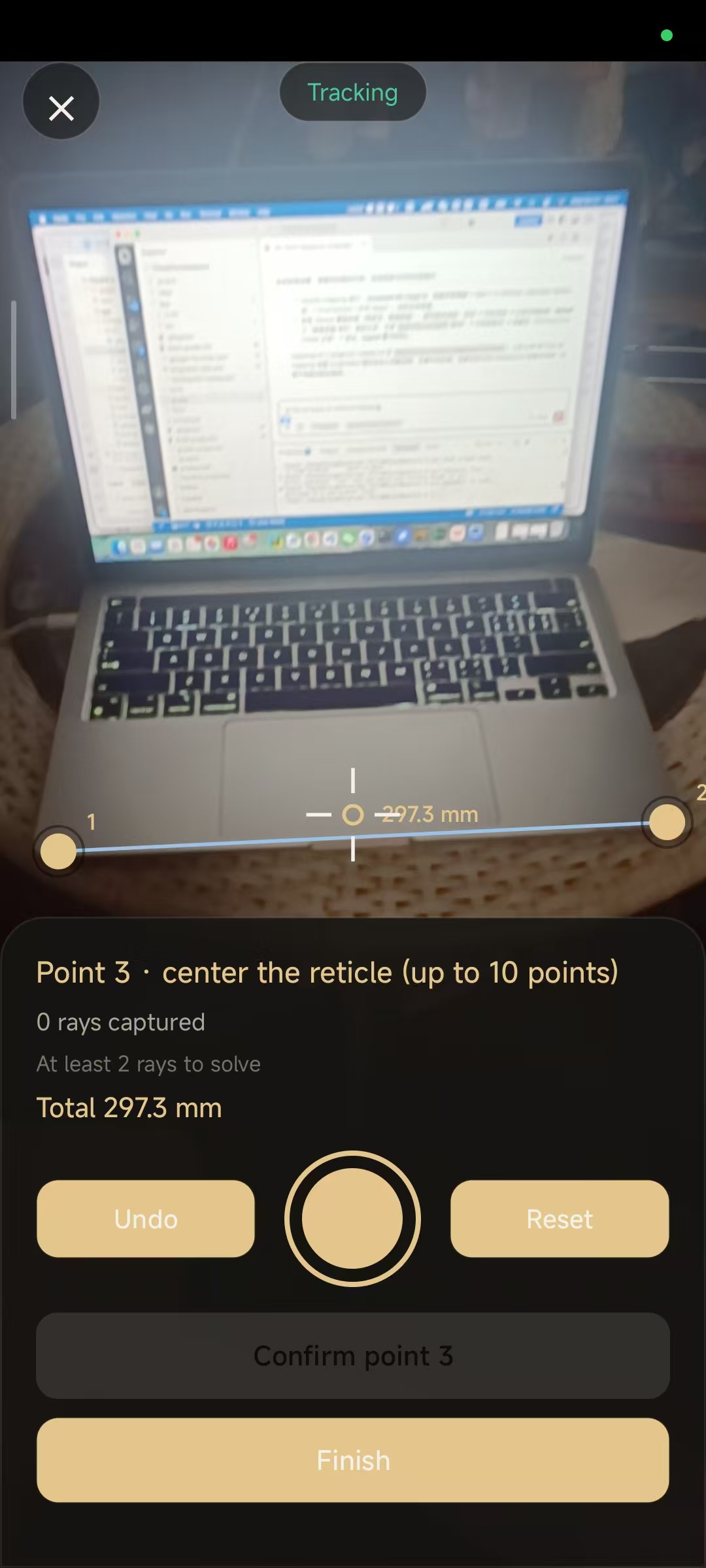
Every result shows
297.3 mm ± 4.0 mm, a quality grade, and per-point fit residuals, so you know when to trust it. Segments can be inspected individually or summed as a path total.
Live rays
The helper lines are the point, drawn back into your view
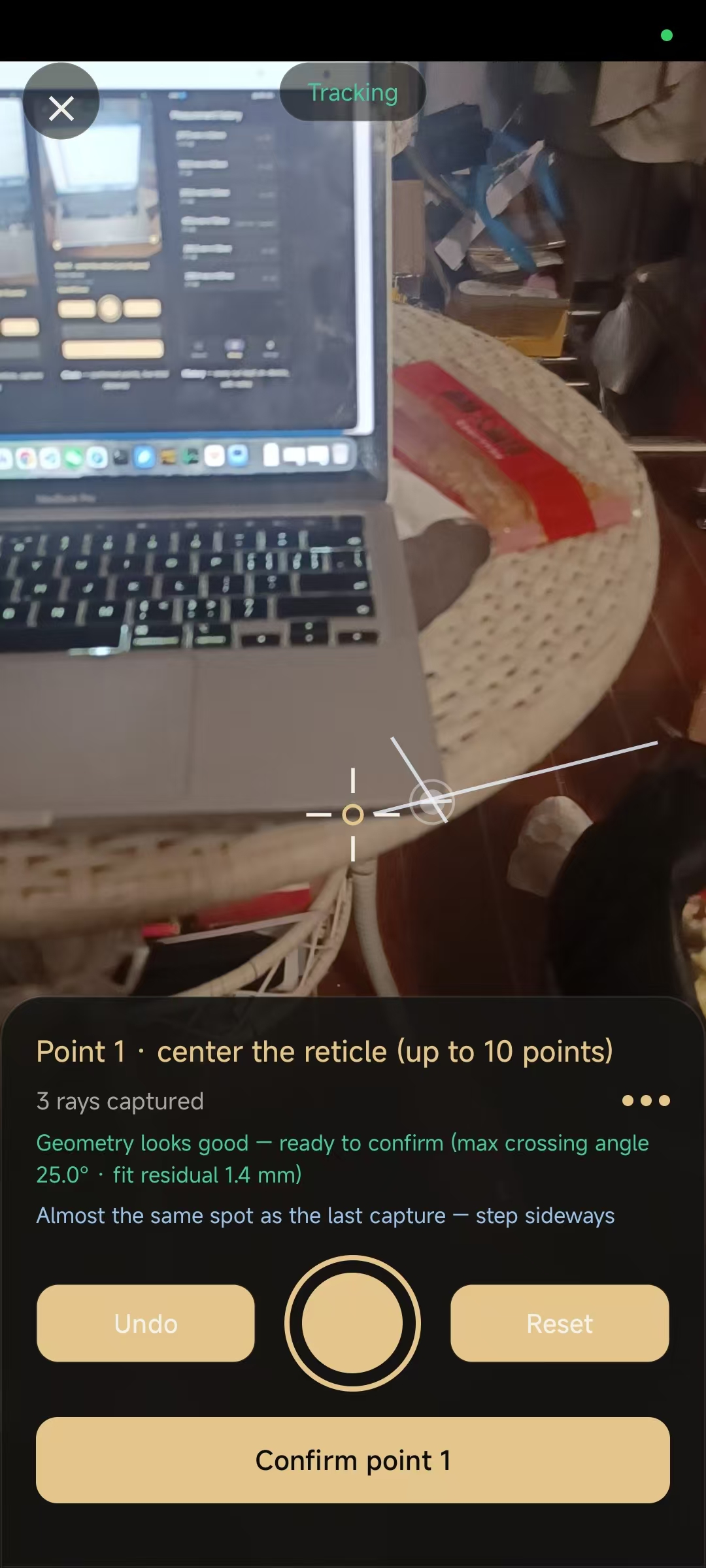
Each capture stores one 3D ray — a line from your camera's position through the exact pixel you aimed at. The point is solved as the location closest to all rays at once, and the app draws those rays back into your view as helper lines. Instead of trusting a bare number, you watch whether the crossing sits on the real target.
If it drifts off, you correct it by adding angles — and the overlay shows you which angle is missing:
- Rays crossing at a narrow angle? Depth stays fuzzy along that wedge. Move to a wider stance — the crossing angle is the single biggest lever on precision (max crossing angle 25.0° in the panel above).
- A new capture lands beside an old one? It adds a near-parallel ray — almost no information. The app flags it (“Almost the same spot as the last capture — step sideways”) so you don't farm rays that can't help.
- One sighting missed the target? Undo it; the solved point and every helper line re-converge instantly around the corrected position.
The panel scores the result as you go: the fit residual (1.4 mm — how tightly all rays pass the solved point) and the crossing angle together decide the ± you see in the final distance. More well-spread angles don't just add samples, they cut the error bar.
Screens
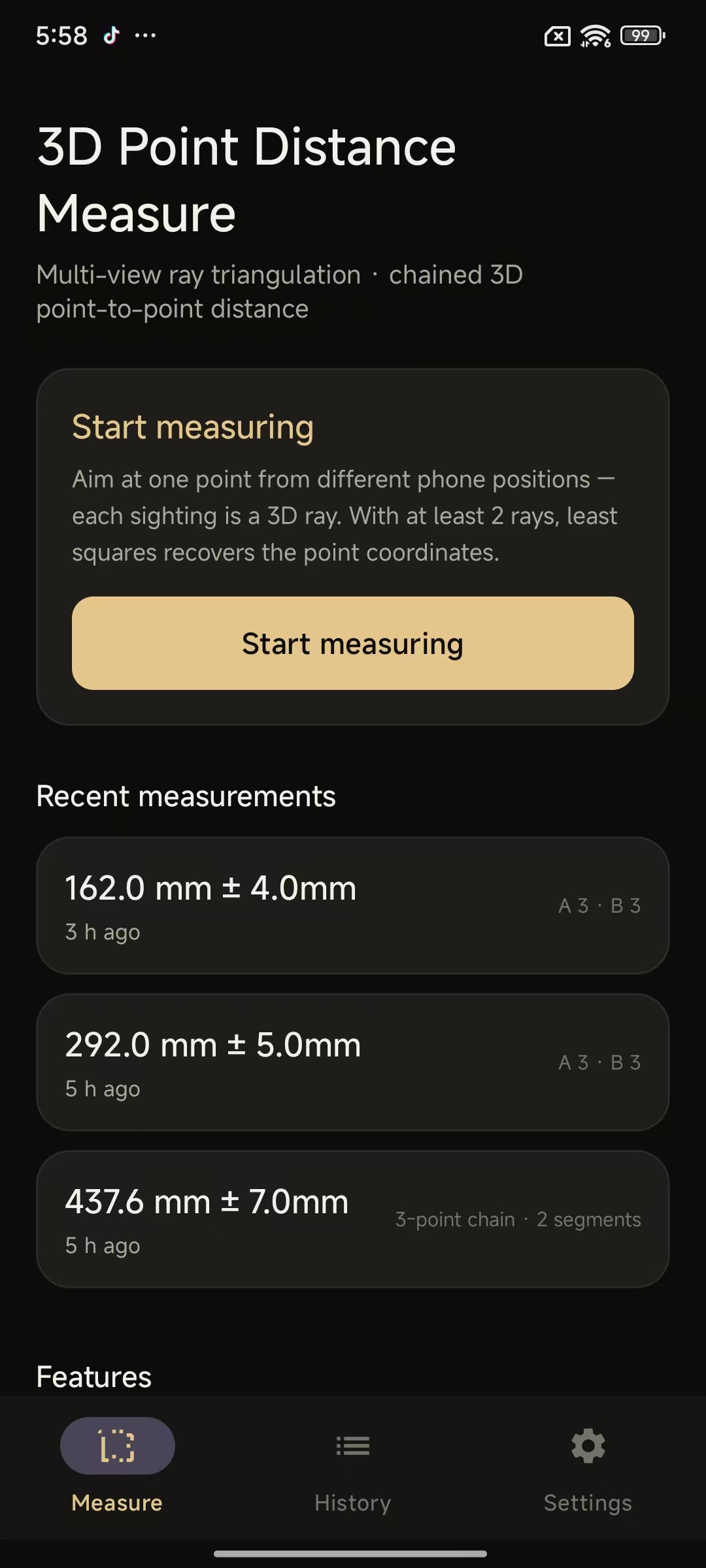
Small app, four screens
Nothing hides behind a paywall menu — start, aim, confirm, read.
Features
Made for the awkward distances
The ones a tape measure can't reach: across an open room, to a ceiling junction, around a corner.
- Confidence on every reading
- Least-squares triangulation reports ± tolerance and a quality grade from ray spread and residuals — the app tells you when a measurement is shaky instead of guessing quietly.
- Chained path mode
- Measure up to 10 points in one session and get every segment plus the total path length — walk a route along a wall or around furniture.
- History with notes
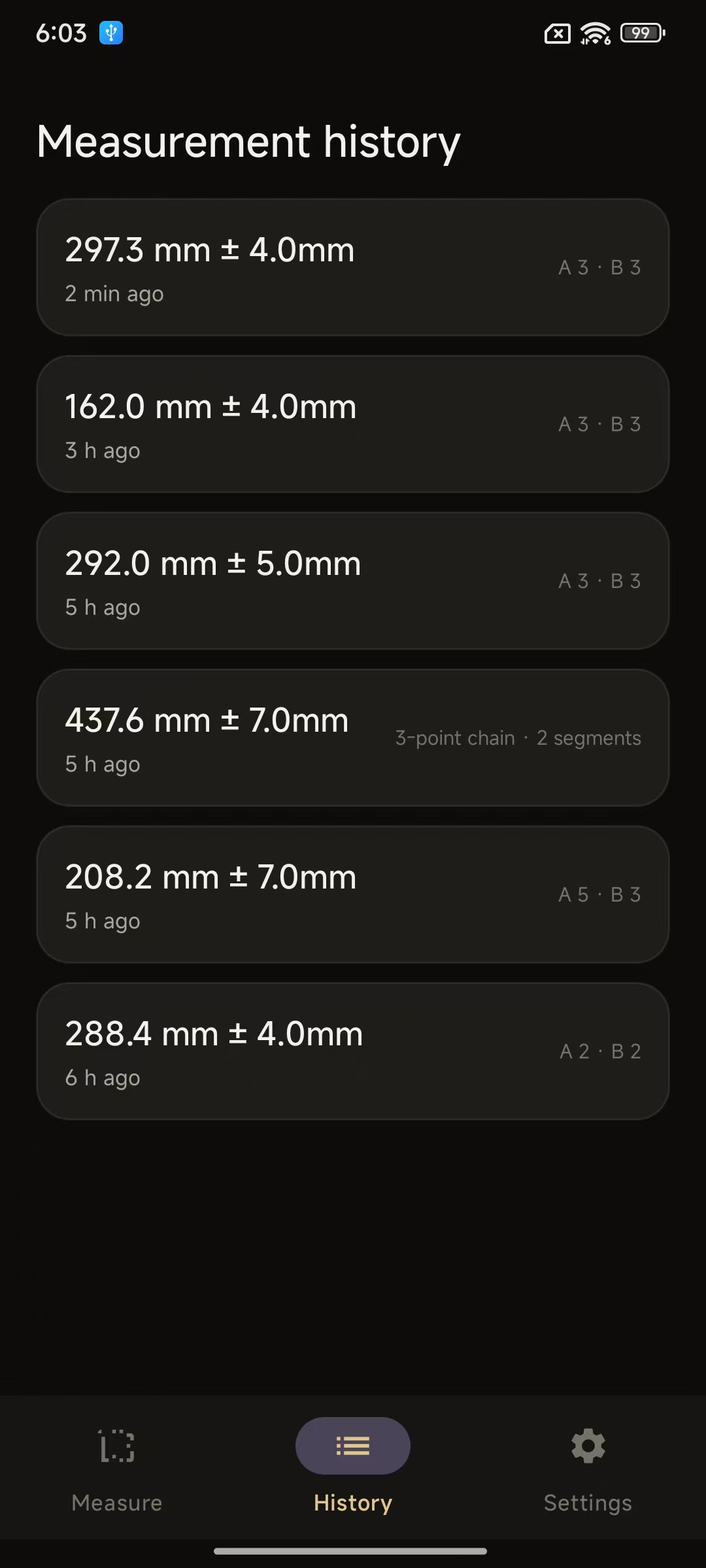
- Runs are saved with coordinates, rays and quality; add a note like "desk diagonal" and review or delete anytime.
- Units & languages
- mm / cm / inch, and English, 中文 and 日本語 interfaces.
- Works offline
- The solving happens entirely on your phone. Airplane mode doesn't change a single reading.
- Ad-supported, removable
- A banner and occasional interstitial keep it free; a one-time purchase removes ads forever.
Use cases
Who reaches for this instead of a tape
- DIY & woodworking
- Cut a shelf to span a cluttered alcove, check a countertop's diagonal, plan a bridge across a sofa — endpoints you can't physically touch with a tape hook.
- Trades & installs
- Cable runs, pipe lengths, socket-to-box distances sighted straight across the room while the wall is still open — measured through the air, not dragged around obstacles.
- Furniture & moving
- Will the new couch clear the radiator on its way in? Walk the path in chained mode — segment by segment — before anything leaves the showroom.
- Photo, stage & set work
- Space lights, stands and floor marks in a dim room, solo, with no second person holding the far end of a tape.
- Home & décor
- TV mounting, curtain rails, picture grids: two endpoints, two quick orbits, a number that carries its error bar.
- High & far points
- Ceiling junctions, gutter lines, the top corner across the courtyard — places a ladder or a laser's flat spot would slow you down.
vs. tape measure
One person, no line of sight needed between the endpoints — measure across obstacles, corners and gaps. Every reading ships with a ± instead of "somewhere in that fold".
vs. laser distance meter
No extra gadget, and no flat surface required at the far end — aim at a corner, a pipe, a lamp hook. Laser tools go silent on long diagonal sightlines; here they're the natural direction.
vs. "AR ruler" overlays
Those drag a flat ground-plane around — wrong tool for point-to-point space distance. This solves true 3D coordinates from your real camera positions and admits its uncertainty.
Your measurements stay yours
No account, no upload. Measurement history never leaves your device. Analytics and crash reports are anonymous, and ads can be removed. Full details in the privacy policy.
Read the privacy policy